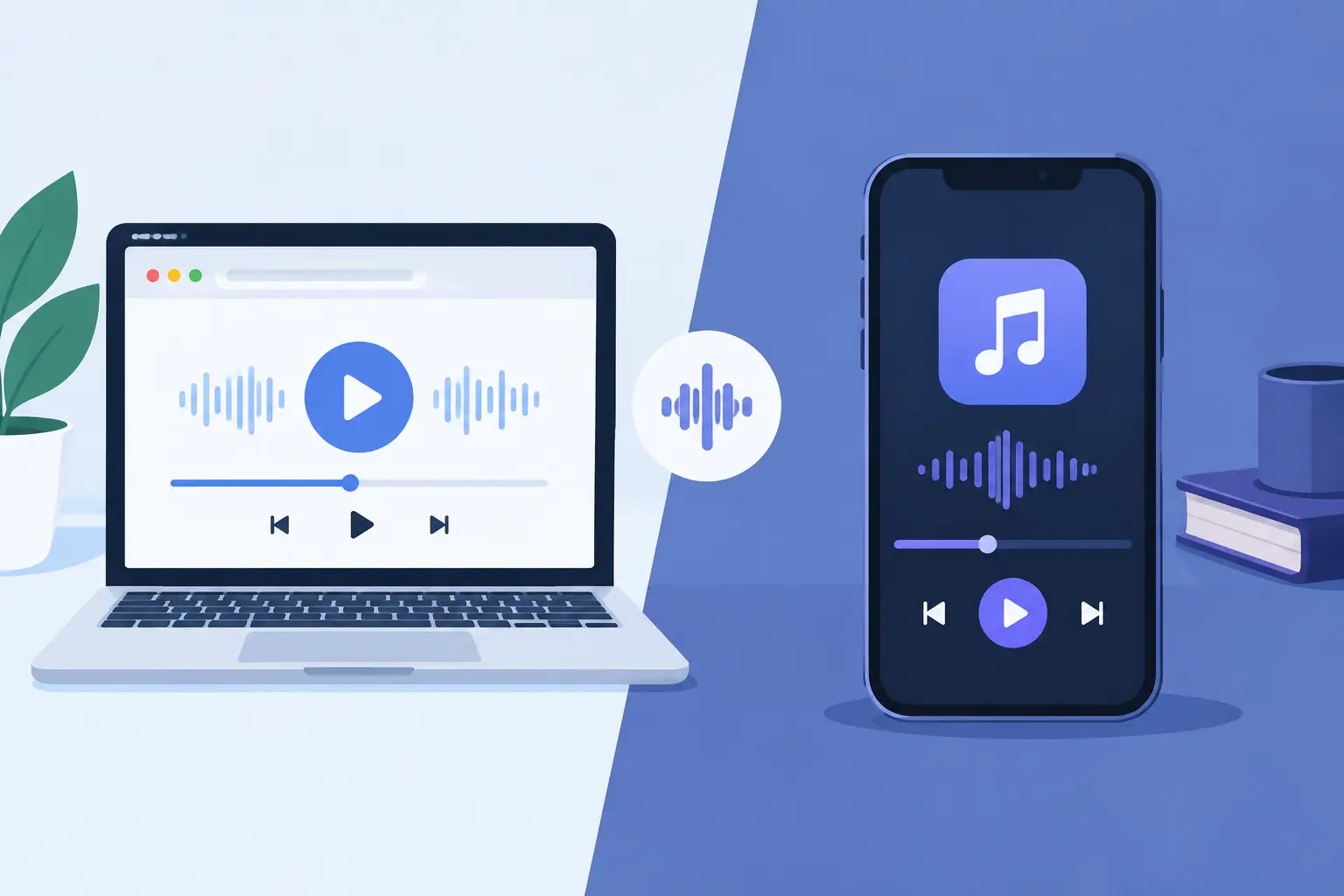
A browser playback vs native audio app decision is not really about which icon looks better on a home screen. It determines how fast people can join, how many existing devices you can reuse, what happens when someone locks their phone, and how much control you have over a room full of sound.
If your goal is listening alone on one device, the differences may feel small. If you want to turn phones, tablets, and laptops into a coordinated audio system, the playback model becomes part of the setup. Start with the experience you need to create, then choose the delivery method that supports it.
What browser playback actually changes
Browser playback runs inside a web browser rather than a separately installed application. Open a session URL, grant audio permission if prompted, and the device is ready to participate. That removes the install step, account friction, and version mismatch that often slow down group audio experiences.
For shared playback, that access model matters. A host can start a room, display a QR code, and let guests join using the devices already in their hands. A friend with an Android phone, an iPad, and a Windows laptop can enter the same session without first finding the right app store listing or updating to a compatible release.
The browser is also a useful control surface. It can present room settings, device names, channel assignments, volume controls, and tuning options in a familiar interface. Assign one device to the left channel, another to the right, and place a third near the center. The devices become parts of a system instead of isolated players.
That flexibility is the central advantage of web-based audio. It treats the hardware people already own as available audio infrastructure.
Where a native audio app has an edge
A native audio app is installed specifically for an operating system such as iOS, Android, Windows, or macOS. Because it works more directly with the device operating system, it can sometimes retain more control when the app is in the background, the screen is locked, or the device is managing battery use aggressively.
Native apps can also integrate more deeply with system media controls, notifications, offline storage, and certain device-specific audio features. For a music service focused on long solo listening sessions, downloads and background behavior can be a meaningful advantage.
There is a trade-off. Every platform needs its own app package, permissions flow, release cycle, and support plan. Guests may be required to install software before they can hear anything. Older devices may not support the current version. In a party, studio session, classroom, or pop-up event, that friction can be the difference between starting now and spending 15 minutes troubleshooting.
Native does not automatically mean better sound. Audio quality depends on the source file, codec, network conditions, output hardware, volume headroom, and processing choices. A native app may have access to more platform controls, but it cannot turn a phone speaker into a high-end monitor. Likewise, a browser can produce excellent playback when the system is designed around its capabilities.
Browser playback vs native audio app for multi-device sound
The key question is not, “Which platform is more advanced?” It is, “How should devices join and behave together?”
A native audio app can work well when every participant uses the same supported platform and the group is willing to install it. This is common in closed ecosystems, where a dedicated speaker brand controls the hardware and the app experience. It can offer predictable behavior, but it often limits which devices can participate.
Browser playback is better aligned with mixed-device sessions. A phone can join beside a tablet. A laptop can become another output point. The host does not need to build a room around one operating system or ask every guest to create an account. Scan the QR code, enter the room password if needed, and connect.
This is especially useful when the room itself is the project. Place devices around a couch for wider stereo. Set a tablet closer to the audience as a center channel. Use an old phone in a corner for ambient detail. The objective is not perfect audiophile hardware matching. It is intentional placement, synchronized playback, and fast control.
MUSIXQUARE is built for this kind of session: web-based entry, host and guest roles, connected-device management, and configurable channel behavior without requiring a new speaker system.
Latency is a system problem, not a platform label
People often assume browser audio is always delayed and native audio is always instant. That is too simple. Any networked, multi-device system has to manage several forms of delay: network travel time, device processing time, browser or app buffering, Bluetooth output delay, and differences between speaker hardware.
A native app may be able to use lower-level audio APIs on a given platform. That can help in certain use cases, particularly live input monitoring, instrument performance, or other work where milliseconds are critical. If you need to play a virtual instrument through a phone with near-immediate response, choose the platform and hardware specifically for low-latency audio.
For synchronized music playback across multiple devices, the challenge is different. The system needs devices to agree on timing and maintain that timing even as Wi-Fi conditions change. Buffering is not automatically a flaw. A carefully managed buffer can make the audible result more stable across a room.
Use the strongest local Wi-Fi network available. Keep devices reasonably close to the access point. Avoid routing some participants through weak cellular connections. If a device is connected to a Bluetooth speaker, expect that output chain to add delay and test it before guests arrive. Start with built-in speakers when you need the simplest baseline, then add external outputs deliberately.
Control and tuning matter after devices connect
Joining devices is only step one. A useful multi-device platform should let the host see what is connected and make practical corrections without restarting the session.
Rename devices based on their position, such as “Left Shelf,” “Center Table,” or “Rear Right.” This prevents confusion when several phones have similar default names. Monitor the number of connected devices so the room stays manageable. Use host controls to keep playback decisions centralized while allowing guests to join quickly.
Then tune for the space. A small phone speaker can benefit from different adjustments than a tablet or laptop. Frequency-band controls, clarity and warmth settings, virtual surround, virtual bass, reverb, and enhancement modes can help shape the overall result. Use them with restraint. Too much bass enhancement on several small speakers can make the room muddy; too much brightness can make voices and cymbals tiring.
Treat each device as a location-specific output. Lower the volume on a unit placed near listeners. Raise a device that is farther away. If a channel sounds distracting, reposition it before applying more processing. Physical placement usually creates a bigger improvement than extreme EQ.
Choose the model that removes the right friction
Choose a native audio app when offline listening, operating-system-level integrations, deep background operation, or specialized low-latency workflows are the priority. It is a strong fit for a controlled environment with known devices and repeat users.
Choose browser playback when immediate access, cross-platform participation, device reuse, and collaborative room setup matter more. It is the practical choice when people arrive with different phones and computers, or when the available hardware changes from one session to the next.
The best setup is the one people can actually join and control. Before the next listening session, place the devices where they will be heard, start the room, scan the QR code, and listen from more than one spot. The room will tell you what to adjust.