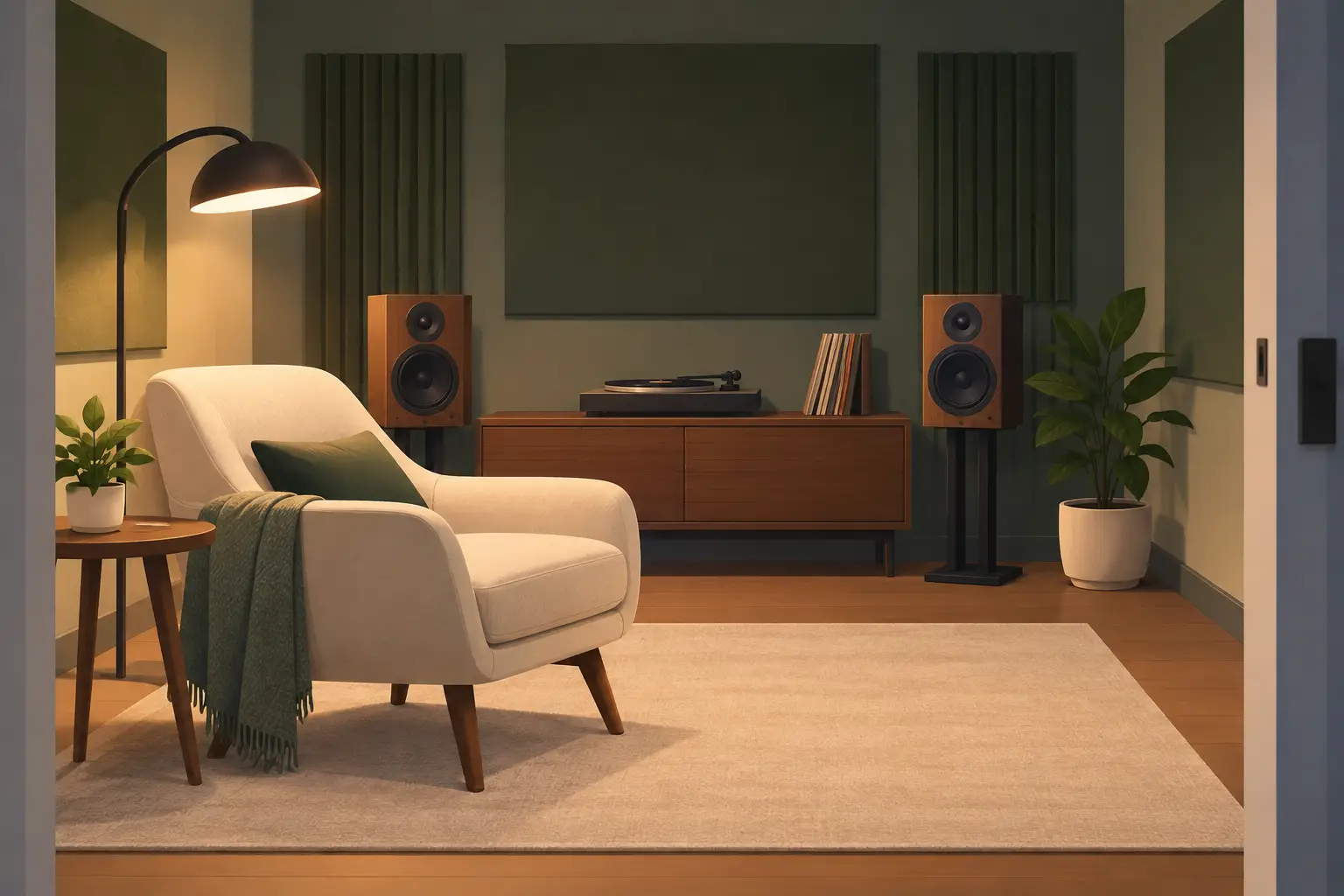
A private listening room does not need a rack of hi-fi components, permanent speaker mounts, or a complicated installer visit. If you already have phones, tablets, laptops, and a few portable speakers, you have the starting point to create a private listening room that fits your space and your guest list.
The difference is control. Your room should let invited people join quickly, keep uninvited devices out, and place sound where it has a purpose. Put a tablet near the couch for the center image, use phones as side channels, and assign a stronger speaker to low-end duty. Then tune the system for the room instead of accepting the default sound from one Bluetooth speaker.
Start with the room, not the gear
Walk through the space before you connect anything. A small bedroom, living room, studio, or apartment rooftop can all work, but each needs a different layout. The goal is not to fill every corner with devices. It is to give each device a clear job.
For a focused two-person session, place one device to the left and one to the right of the main seating position. Keep them roughly the same distance from where you will sit. Add a third device in front of you if dialogue, vocals, or lead instruments need a stronger center position.
For a group listening session, spread devices around the perimeter instead. This creates a larger sound field and keeps one area from becoming excessively loud. A device with better bass response can sit closer to a wall or in a corner, while smaller phone speakers work best as height, side, or ambient channels.
Avoid placing every device on the same shelf or table. The system will get louder, but it will not feel wider. Physical separation is what gives multiple channels a reason to exist.
Choose devices by role
Use what is available, but be realistic about each device. A phone can add directional detail and atmosphere. A tablet may provide fuller mids. A laptop can carry a broader frequency range, depending on its speakers. If you have a portable speaker connected through a device, reserve it for the channel that needs the most output.
Name devices before the session begins. Use labels such as “Left Couch,” “Right Window,” “Center Desk,” or “Bass Corner.” Functional names save time when you are adjusting levels during playback. “John’s iPhone” is less useful when three guests join with iPhones.
Create a private listening room with controlled access
Privacy is not only about playing music behind a closed door. It means deciding who can enter the audio session and who can control it. Start the session from one host device, then set a room password before inviting anyone else.
Share the join screen or QR code only with people in the room. Guests scan the code from their own browser, enter the password if required, and join without installing a dedicated app. This is useful when friends use different device types or when you are setting up quickly in a temporary location.
A host-and-guest structure keeps the room organized. The host manages playback, channel assignments, connected devices, and session settings. Guests contribute their available devices without needing full control over the mix. For a party, that prevents accidental changes. For a creative session, it gives one person a reliable reference point while others help build the room.
Limit the number of connected devices to what the space can support. More channels are not automatically better. In a compact room, four well-positioned devices can sound more intentional than ten devices competing for the same frequencies. Add another device only when you can identify what it improves: wider coverage, a clearer center, more low end, or a specific rear effect.
Build the channel layout
Once devices are connected, assign channels based on placement. Start with a simple layout, play a familiar track, and move outward only when the basic image feels stable.
A practical first configuration uses left, right, and center. Left and right devices create width. The center device anchors vocals, spoken audio, and the main melodic focus. This setup is especially effective for live sets, movie audio, and playlists with strong vocal production.
If your space supports it, add rear or side channels for immersion. Keep their volume lower than the front channels. Rear devices should add movement and room scale, not compete with the track’s core elements. A rear channel that is too loud can make the mix feel disconnected, especially with songs that were originally mixed in stereo.
For bass, use a larger speaker or the device with the most low-frequency capability. Position matters more than expected. A corner can increase perceived bass, but it can also make certain notes boom. Move the device a foot or two at a time and listen again. There is no universal best position because walls, furniture, and room size change the result.
MUSIXQUARE makes this approach practical by letting existing devices operate as configurable channels in one browser-based audio session. The point is not to imitate a fixed home theater package. It is to build a layout that makes sense for the room you are actually using.
Sync first, then tune the sound
Multiple devices only feel like one system when timing is under control. Before changing EQ or effects, listen for timing differences. Use a track with a clear kick drum, handclaps, or spoken vocal. If one device sounds slightly late, the room can feel smeared even when every speaker is loud enough.
Open the delay and synchronization controls and adjust carefully. Make one change at a time, then replay the same short section. Do not chase perfection by constantly changing every device. A stable, close sync is more useful than a complicated configuration that no one can reproduce later.
After timing is set, adjust levels. Lower the loudest device before raising everything else. This protects headroom and helps you hear the function of each channel. If the center is taking over, reduce it. If the sides disappear, raise them slightly or move them farther apart.
Use tuning controls with a specific purpose
Sound controls work best when tied to a problem you can hear. Frequency-band adjustment can reduce harsh upper mids from a phone speaker or ease muddy low mids in a small room. A clarity setting may help detail in spoken audio and acoustic tracks. Warmth can make thin devices feel less sharp, but too much can hide percussion and vocal definition.
Virtual surround can expand a narrow layout, while virtual bass can help smaller speakers suggest more weight. Both are tools, not permanent defaults. Test them with the same song on and off. If the result makes the room feel larger without blurring timing or masking vocals, keep it. If it adds artificial boom or makes the mix less precise, turn it down.
Reverb deserves the same restraint. In a dry room with close, small speakers, a little reverb can make the sound feel less boxed in. In a living room with hard floors and bare walls, the room may already provide enough reflection. Add effects only after you understand what the physical space is contributing.
Run the session without losing the room
Once guests arrive, keep the setup visible but simple. Confirm that each device is connected, charged or plugged in, and placed where it will not be blocked by a bag, a chair, or a person standing nearby. Ask guests not to move channel devices casually. Moving a left channel across the room changes the whole image.
Keep the host device accessible for quick adjustments. If conversation gets louder, raise the center slightly instead of turning up every channel. If the room fills with people, side devices may need repositioning because bodies absorb high frequencies. If neighbors are a concern, reduce low-end output first. Bass travels farther than it seems.
For longer sessions, check battery level and network stability before the best part of the playlist. A private listening room should feel effortless to guests, even when the host is managing multiple devices behind the scenes.
Your first layout does not need to be permanent. Save the idea, reset the room next time, and try a different channel map with the devices already in your hands. The useful listening room is the one you can build again in minutes, then shape around the people and music in the space.