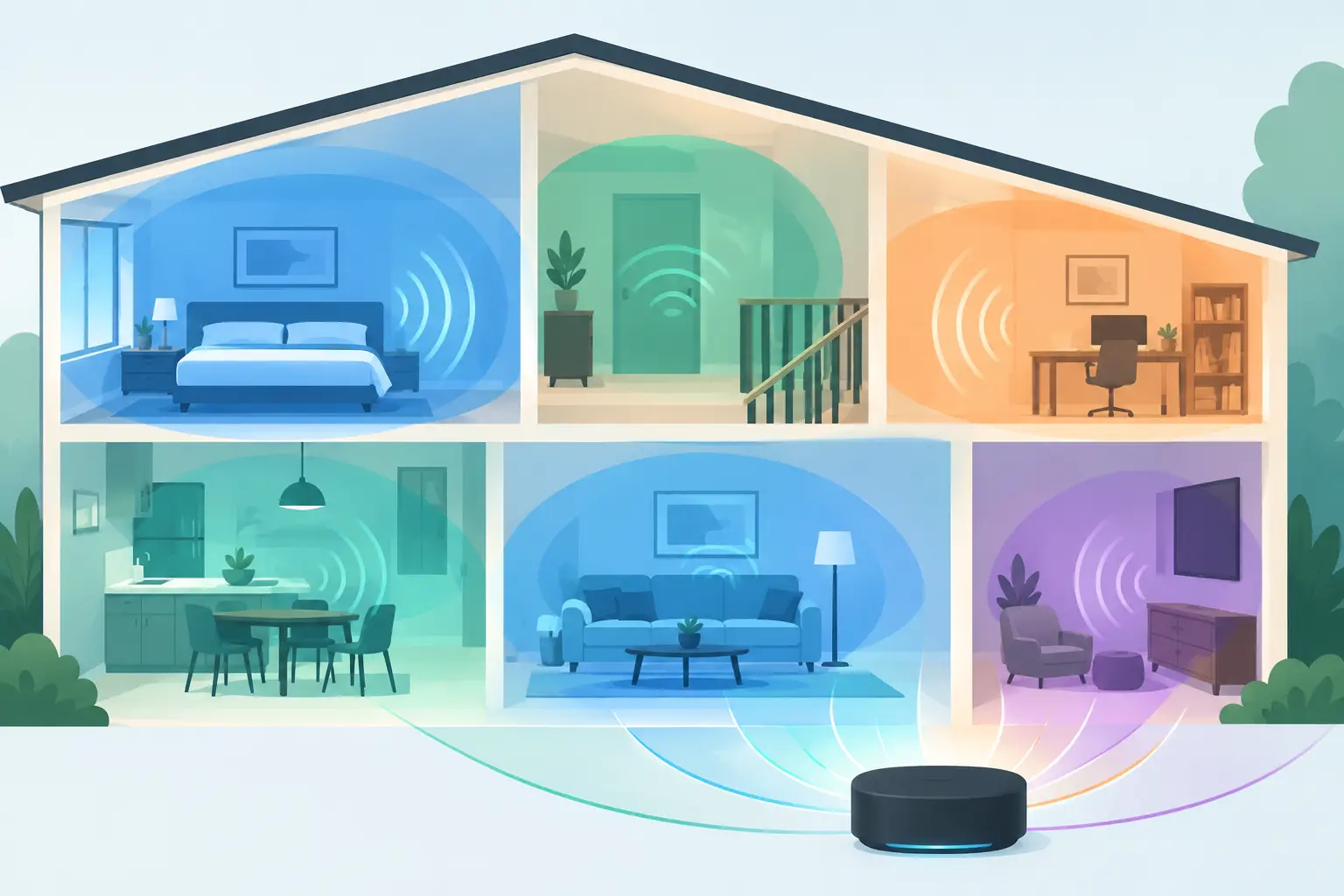
A single Bluetooth speaker can fill a room. It cannot decide that the kitchen needs a lighter mix, the desk needs focus audio, and the living room needs the full movie soundtrack. Home sound zoning solves that problem by treating each room, corner, or listening position as a controllable part of one larger system.
You do not need to begin with a rack of amplifiers or matching smart speakers. Start with the devices already spread through your home: an old phone in the kitchen, a tablet near the couch, a laptop at the desk, and a spare speaker in the bedroom. Connect them intentionally, assign each one a job, then tune the result for the space it occupies.
What Home Sound Zoning Actually Means
Sound zoning is the practice of dividing a home into separate audio areas. A zone may play different content from another zone, or it may play the same content with a different role. The important distinction is control. You decide where sound goes, how loud it is, and what each device contributes.
A simple setup might use one zone for the living room and another for the kitchen. A more flexible setup can turn several devices in one room into channels: left near a window, right beside the sofa, center close to the screen, and a device with stronger low-end output placed near the floor. That is no longer just multi-room playback. It is a configurable listening layout.
This approach matters because homes are not acoustically neutral boxes. Open kitchens swallow dialogue. Home offices need sound that stays contained. Bedrooms benefit from lower volume and warmer tuning. A speaker placed in the wrong corner can make an expensive system feel flat, while a modest device placed with purpose can make a room feel much more deliberate.
Choose Zones by What Happens There
Do not start by naming zones after rooms. Start by naming the activity. A kitchen may be a cooking zone during the evening and a guest zone during a party. The same living room may switch between a film zone, a game zone, and a background-music zone.
For focused work, place sound close to the listener and keep volume low. A laptop or tablet can handle speech, ambient playlists, or reference tracks without filling the rest of the home. For a movie night, prioritize front placement: left and right devices should sit apart, while a center device should be close to the display so voices feel anchored to the action.
For social settings, coverage matters more than a perfect stereo image. Put devices where people gather, not where they look visually balanced. A phone on a bookshelf can support a quiet seating area. A tablet on the counter can carry the kitchen. The goal is continuous sound at a comfortable level, not maximum volume from one source.
Build Your Zones From Existing Devices
Before adding hardware, inventory what you already have. Test the speakers in unused phones and tablets, portable Bluetooth speakers, desktop monitors, and laptops. Older devices often work well as supporting channels, especially for dialogue, ambient layers, or a secondary room.
Keep devices on reliable power for longer sessions. Battery operation is fine for a quick setup, but a phone that powers down halfway through a party is not a useful zone. Also consider physical placement before you connect anything. A device buried behind a TV or placed inside a cabinet will lose clarity, regardless of software settings.
Browser-based systems make this more practical because guests do not need to install a specific app just to participate. Start a session, let people join by QR code, and decide which connected devices should remain under host control. That is useful when friends bring their own phones but you do not want every participant changing the room mix.
MUSIXQUARE is designed around this model: connected phones, tablets, and desktops can become a synchronized audio group, with each device assigned a role rather than treated as a duplicate speaker.
Assign a Role to Every Device
A zone works best when every device has a reason to be there. Assigning roles prevents the common mistake of sending identical, full-range audio everywhere and hoping it sounds bigger.
In a compact movie setup, use one device as the left channel, one as the right, and one as the center. If you have a speaker that handles bass better than the others, place it low and use it as a low-frequency support channel. In a party layout, one device may simply provide fill sound for a hallway or balcony.
Role assignment does not need to be permanent. Rename devices so you can identify them quickly: “Kitchen Counter,” “Sofa Left,” “TV Center,” or “Desk Monitor.” When the room changes, change the assignment. This is the advantage of using flexible devices instead of permanently wired speakers.
Synchronization Is the Make-or-Break Setting
Multiple devices only feel like one sound system when timing is controlled. If a kitchen speaker arrives a fraction of a second after the living room speaker, vocals become echoey and kick drums lose impact. The farther apart devices are, the more noticeable the problem can become.
Start with all devices on the same strong Wi-Fi network. Keep the host device stable, and avoid running heavy downloads or video calls on the same connection during a session. Then use latency and synchronization controls to align playback by ear from the main listening area.
Do not chase mathematical perfection in every room. In separate zones, a small timing difference may be irrelevant because listeners cannot hear both sources at once. In the same room, especially with left, right, and center channels, timing needs much tighter adjustment. Test with speech first. A spoken voice makes delay easier to detect than a dense music track.
If one device consistently lags, move it closer to the network access point, reduce competing network traffic, or give it a less critical role. A delayed hallway fill channel is less disruptive than a delayed center channel during a movie.
Tune Each Zone for Its Job
Once the devices are synchronized, tune the zones instead of applying one global sound profile. The right setting depends on content, placement, and the speaker itself.
A small phone speaker may benefit from clarity adjustments so voices cut through at low volume. A tablet with a larger driver may sound better with a little more warmth for background music. Virtual bass can add weight to a small speaker, but too much processing can make it sound muddy or exaggerated. Use it carefully, especially when several devices overlap in the same room.
Reverb is another setting that depends on the space. A dry bedroom or home office might tolerate a subtle effect for music. In a tiled kitchen, additional reverb often creates clutter. If dialogue feels unclear, reduce effects before raising volume. Clear sound at a moderate level is more useful than louder sound that bounces around the room.
For a surround-style layout, avoid placing every device at ear level in a straight line. Put front channels forward, side channels slightly behind the main seat if possible, and bass support near the floor. Small placement changes can alter the image more than aggressive equalizer settings.
Create Presets for Real Home Use
The fastest systems are the ones you can reuse. After you find a configuration that works, save the logic of it: which devices join, where they sit, their channel roles, and their volume balance. You may not need identical settings every time, but you should not need to rebuild the room from zero.
A practical home can have three recurring modes. Use a work mode with only the desk device active. Use a movie mode that brings in the TV-area channels. Use a gathering mode that activates multiple rooms at lower volume. Keep device names consistent so switching modes takes seconds rather than troubleshooting.
There are trade-offs. More active devices can improve coverage and spatial detail, but they also increase setup time, network demand, and the chance of uneven volume. A two-device stereo pair may be the best choice for everyday listening. Save the four- or five-device layout for movie nights, creative sessions, and guests.
Make the Room Respond to You
Home sound zoning is not about filling every corner with noise. It is about giving sound a destination. Use one device when you need focus, several when you want a shared experience, and channel assignments when the room deserves more dimension.
Start small tonight: place two devices apart, synchronize them, and listen from where you actually sit. Then add the next device only when you can describe what it improves. That is how a collection of screens and spare speakers becomes audio infrastructure you can control.