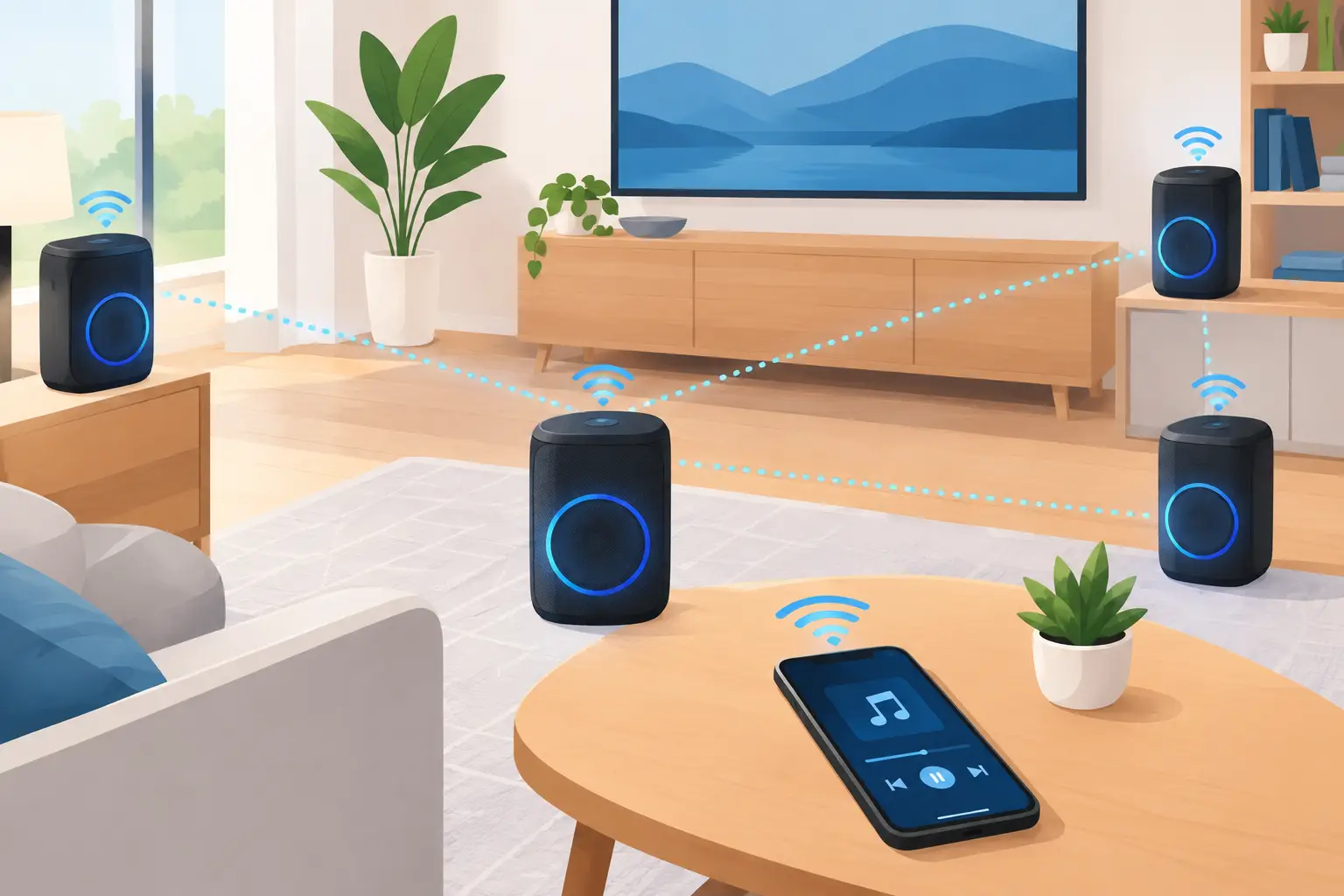
A single Bluetooth speaker can handle background music. It usually cannot make a living room, patio, and kitchen feel like one connected space. This small party speaker network example shows how to use devices already in the room - phones, tablets, and laptops - as coordinated speakers with intentional placement and channel roles.
The goal is not to make every device play as loudly as possible. The goal is to create coverage, direction, and a shared beat across a small space. Start with the room, then assign each available device a job.
A Small Party Speaker Network Example for 8 to 15 Guests
Picture a typical apartment gathering: eight to 15 people, an open living room, a kitchen nearby, and perhaps a balcony or patio. You have one laptop, two tablets, and three phones. One tablet has the strongest built-in speakers. Another device may be connected to a small external speaker, but that is optional.
Set up the network like this:
- Place the laptop near the main seating area and assign it as the center or primary channel.
- Put the strongest tablet on the opposite side of the room as a right channel.
- Place the second tablet toward the kitchen entrance as a left channel.
- Use one phone near the kitchen as a low-volume fill speaker, so people do not walk into a silent zone.
- Put another phone near the patio door or hallway at lower volume for transition coverage.
- Keep the final phone with the host as a control device, or add it to the network if the space needs more sound.
This layout does something a single speaker cannot: it distributes sound where people actually move. It also creates a wider stereo image when left and right devices are positioned with real separation. Guests in the center of the room hear the strongest image, while guests moving between spaces still hear a coherent track instead of a distant, muffled source.
Start With a Host Device, Not a Stack of Speakers
Choose the device with the most stable connection as the host. A laptop is often the practical choice because it is easy to keep powered, easy to control, and typically stays in one place. Start a session, set a room password if needed, and display the QR code for participating devices.
QR-based joining matters at a party. You do not want to share Bluetooth pairing instructions five times, manage a chain of disconnected devices, or pass around a cable. Scan the code, join the session, name the device, and place it in the room.
With MUSIXQUARE, each connected device can be treated as part of one browser-based audio system rather than as an isolated speaker. That makes it possible to organize devices by channel role and adjust their behavior from the session instead of changing settings one screen at a time.
Before guests arrive, connect every planned device to power. Small device speakers are useful, but they consume battery quickly at party volume. If an outlet is unavailable, reserve that device for a quieter fill position instead of the main channel.
Name Devices by Location
Do not leave devices labeled with default names such as “iPhone” or “Tablet 2.” Rename them according to placement: “Sofa Center,” “Kitchen Left,” “Window Right,” or “Patio Fill.”
This sounds minor until you need to lower the speaker near the conversation area without reducing the rest of the room. Clear labels turn a multi-device setup into something you can manage in seconds.
Assign Channels Based on What Each Device Can Actually Do
Not every phone should be asked to reproduce the same audio range. Small built-in speakers usually have limited bass and can sound harsh when pushed too hard. A laptop may offer fuller midrange. A tablet may be louder but less detailed. Work with those limits.
Assign left and right channels to devices that are roughly matched in volume and sound quality. Place them at a similar height when possible, with a few feet of separation. If one side is much louder than the other, lower its volume before deciding that stereo does not work.
Use the center channel for vocals, announcements, or the main body of the mix. A laptop in the middle often works well here because it has more physical presence than a phone. If you have a device connected to a larger speaker, make that your center or low-end anchor.
A true subwoofer role only makes sense if a device can reproduce useful low frequencies. Most phone speakers cannot. Do not force a phone into a bass role and expect club-level impact. Instead, use virtual bass carefully on the strongest device or a connected external speaker, and let the other devices focus on clarity and coverage.
Synchronization Is the Difference Between a Network and Noise
If devices are not aligned, the party will hear echoes, flamming percussion, or vocals that appear to repeat. The farther apart speakers are placed, the more obvious timing problems become. A setup can be loud and still sound worse than one well-positioned speaker if timing is ignored.
Put all participating devices on the same reliable Wi-Fi network. Avoid asking one device to rely on weak cellular data while the others use Wi-Fi. Keep the host close enough to the router for a stable connection, and avoid switching networks after the session starts.
Then check synchronization with a track that has crisp drums, handclaps, or a steady vocal rhythm. Stand midway between your main left and right devices. If you hear a double hit rather than one defined beat, adjust delay or sync settings before turning up the volume.
Tune One Zone at a Time
Start with only the center device playing. Add the left channel, then the right channel. Listen from the main social area after each addition. Next, bring in kitchen and patio fill devices at low volume.
Fill speakers should support the room, not compete with it. A kitchen phone that is nearly as loud as the main speakers creates two competing listening zones. Set it just high enough that the music remains present while conversations stay comfortable.
This is also where device-level delay controls are useful. A speaker farther from the center of activity may need adjustment to feel integrated. There is no universal setting because room size, placement, Wi-Fi conditions, and device processing all vary.
Use Sound Controls With a Specific Problem in Mind
Audio controls are most useful when they solve a real issue. Do not activate every enhancement just because it is available.
If vocals sound buried, raise clarity slightly on the primary or center device. If smaller speakers feel thin, add modest warmth or virtual bass to the strongest device, then listen again. If the room feels flat despite decent placement, test virtual surround on the main channels rather than across every device.
Reverb can make a sparse room feel larger, but too much makes speech and vocals indistinct. For a casual party, use it lightly or leave it off. The same applies to frequency adjustments: reduce harsh upper frequencies on a phone that sounds sharp, but do not make every speaker overly dark.
A practical rule is simple: make changes on one device or one channel group, then compare. If you tune all devices at once, you will not know which change improved the room and which one created the problem.
Place Devices for People, Not for Perfect Symmetry
Perfect speaker symmetry is rarely possible in a real apartment. One side may have a bookshelf, the other a kitchen counter. A table may be crowded with drinks. That is fine. The priority is keeping devices stable, elevated enough to project sound, and away from places where guests can block or knock them over.
Avoid placing a phone directly on the floor. It loses clarity and becomes easy to step on. A shelf, counter, bookcase, or stable stand will produce better coverage. Aim speakers into the room rather than into a wall or a pile of cushions.
Keep devices away from sinks, drink stations, and high-traffic edges. Also avoid putting every speaker at ear level near the same couch. Spreading the network across the room produces more useful coverage than building one overly loud corner.
Make the Party Easy to Control After It Starts
Once guests arrive, simplify control. Keep one person as the host, particularly if channel assignments and tuning are already working. Guests can join the session when appropriate, but unrestricted control can turn a stable setup into a sequence of volume jumps and disconnected devices.
Check the network again after the first few songs. People move furniture, open doors, and gather in different places than expected. If the kitchen becomes the busiest area, increase its fill speaker slightly. If the patio is empty, lower or remove that channel and send more sound to the main room.
A good small party setup should adapt to the room instead of demanding that the room adapt to it. Start the session, assign each device a clear role, verify sync, and adjust based on where people are actually spending time. The result is not just more volume. It is a space that sounds connected using the gear already within reach.