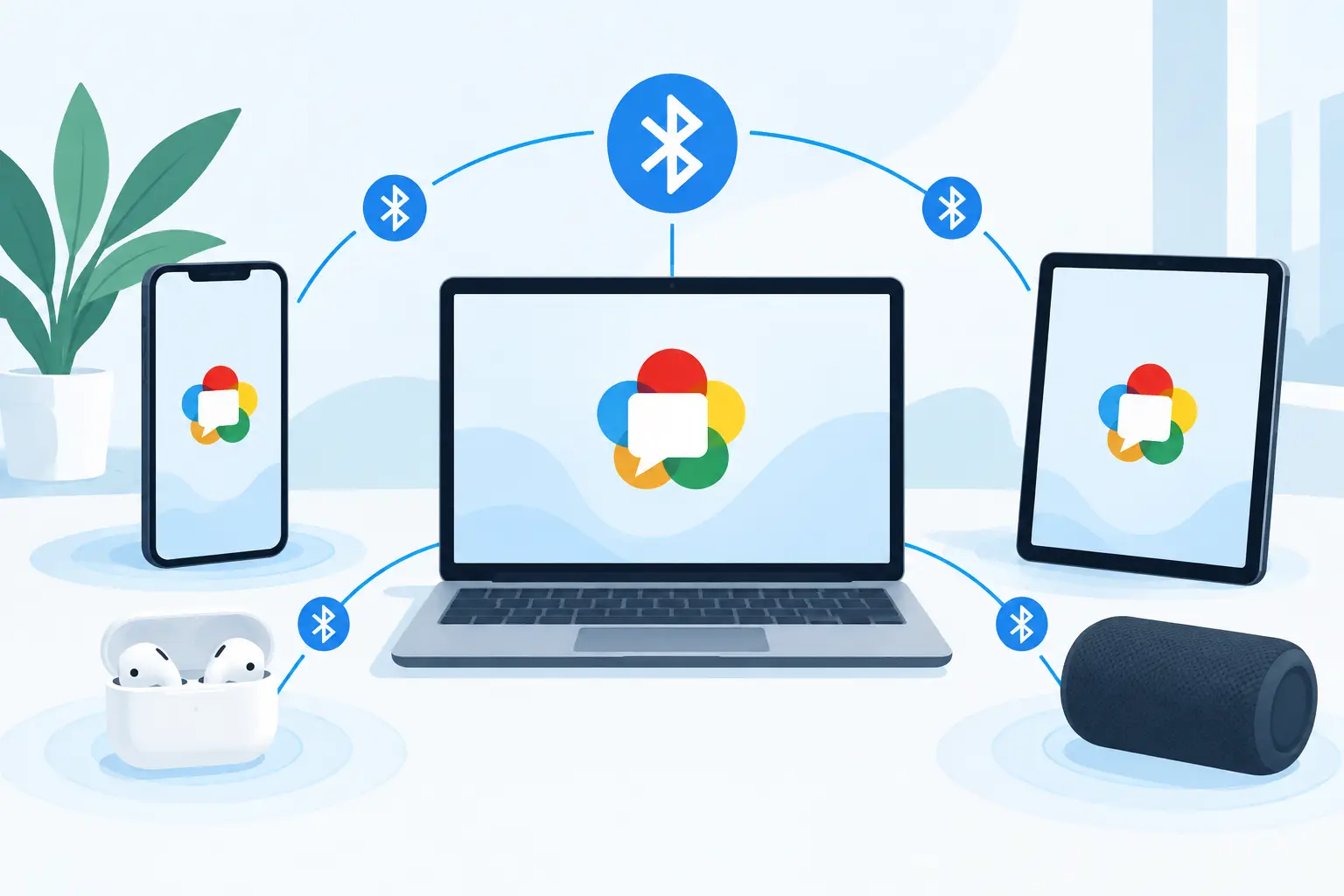
A Bluetooth speaker is easy to pair, but it usually remains one speaker with one role. The moment you want a phone on the left, a tablet on the right, and a laptop handling the center channel, the connection method starts to define the experience. This WebRTC Bluetooth comparison focuses on that practical difference: getting sound from one source is not the same as building a controllable, multi-device audio system.
Bluetooth is often the fastest answer for a single nearby speaker or headphones. WebRTC is designed for real-time communication over networks, which makes it a better fit when separate devices need to join the same browser-based session. Neither option wins in every room. The right choice depends on how many devices you want to use, how much control you need, and how much setup friction you will accept.
WebRTC Bluetooth Comparison: The Core Difference
Bluetooth is a short-range wireless connection technology. In common consumer audio use, a phone sends audio to a speaker or headphones through a Bluetooth audio profile, typically over Bluetooth Classic. The experience is familiar: turn on the speaker, choose it in your phone settings, press play.
WebRTC is a web technology for sending real-time media and data between connected endpoints. It generally operates through an internet or local network connection, using browser-based media handling and real-time transport techniques. Instead of treating another device as one paired accessory, it can treat each joined phone, tablet, or desktop as a participant in a shared session.
That difference changes the control model. Bluetooth pairing is primarily device-to-accessory. WebRTC can be session-to-many-devices. For a solo listener with one portable speaker, Bluetooth is usually the simpler option. For a group setting where multiple existing devices should become parts of one audio layout, a browser session can be more flexible.
There is one useful technical boundary to understand. Web Bluetooth, a browser API, does not turn a web page into a universal Bluetooth audio transmitter or receiver for arbitrary speakers. Browser support and operating-system permissions also vary. A WebRTC-based audio experience is not simply Bluetooth moved into a browser. It is a different approach built around networked participants.
Setup: Pairing vs. Joining a Session
Bluetooth wins when the goal is immediate personal playback. Pair once, reconnect later, and keep the phone close. A compact Bluetooth speaker is hard to beat for a kitchen, desk, picnic table, or hotel room.
The limitations appear when more devices enter the room. Standard Bluetooth audio behavior depends on the phone, computer, speaker model, operating system, and supported codecs. Some devices can send audio to two compatible speakers. Some branded speaker systems offer their own multi-speaker mode. Many do not interoperate outside that ecosystem.
A WebRTC session uses a different entry point. Start a session, then let each device join through a browser. QR-based participation is particularly useful when friends are in the same room and you do not want to exchange pairing codes, install a matching app, or hand over the host device. A room password and host-guest structure add control when the session is not fully open.
This approach has its own requirements. Every participant needs a compatible browser, usable Wi-Fi or internet access, and enough battery power. A crowded public network can create inconsistent results. For an event, test the network before guests arrive. Keep devices reasonably close to the Wi-Fi access point, and avoid treating a weak guest network as an audio backbone.
Latency Is Not One Number
People often ask which is lower latency, WebRTC or Bluetooth. The honest answer is that latency depends on the complete path, not just the wireless label.
Bluetooth audio latency can range from acceptable for casual music to distracting for video, gaming, or live performance. Codec support matters. The source device, receiving speaker, and operating system each influence buffering and processing time. Two Bluetooth speakers may also play at slightly different times unless they are specifically designed to operate as a synchronized pair.
WebRTC is built for real-time media, but a multi-device web audio setup still has several delay sources: network travel, jitter buffering, browser processing, device audio hardware, and speaker response. A phone from 2018 and a newer laptop will not necessarily output sound at precisely the same moment by default.
The advantage of a session-based system is not that physics disappears. It is that synchronization can become a controllable parameter. If one device is late, adjust its delay. If a speaker is physically farther from the listener, compensate for that placement. Fine-tuning is what turns a collection of devices into an intentional setup instead of a room full of nearly matching playback.
For spoken audio, a small mismatch may be noticeable immediately. For music, acceptable tolerance depends on spacing and content. Two devices next to each other should be closely aligned. Devices placed across a room can tolerate more variation because physical distance already changes arrival time at the listener's ears.
Range and Reliability in Real Rooms
Bluetooth range is often described with a simple distance figure, but walls, furniture, people, and radio interference matter more than the number printed on a box. Bluetooth is best when the source and speaker are nearby and the signal path is uncomplicated. Move through several walls or into a crowded apartment building, and dropouts become more likely.
WebRTC relies on the network instead. That can extend the practical layout beyond the reach of one phone's Bluetooth radio. Put one tablet near the couch, a laptop behind the listener, and another phone by the doorway, provided each device can maintain a stable connection. The network becomes the shared layer rather than the host device's direct radio link.
This does not mean networked audio is automatically more reliable. Poor Wi-Fi produces its own problems: buffering, delayed joins, uneven timing, or interruptions. Use a strong 5 GHz or modern Wi-Fi network when possible. Reduce unnecessary downloads during the session. If the room is large, check signal strength where each device will actually sit, not only where the router is installed.
Audio Control: One Output or a Designed Layout
Bluetooth is mostly about output selection. Choose the speaker, then let the speaker's own hardware shape the sound. That is enough when one device is handling the whole room.
A multi-device WebRTC workflow supports a more deliberate layout. Assign an old phone to the left channel, place a tablet on the right, use a laptop for center-focused material, or dedicate a device to low-frequency support if its speaker can contribute meaningfully. The goal is not to pretend that small phone speakers replace a calibrated theater system. The goal is to use the gear already in the room with more intention.
Per-device controls matter here. Rename devices so the host can identify them quickly. Limit the number of connected devices before a party starts. Set volume by role rather than making every output equally loud. Use equalization, reverb, clarity, warmth, virtual surround, or bass enhancement carefully. An effect that improves one phone speaker may make another sound harsh or muddy.
MUSIXQUARE is built around this model: join devices in a browser session, organize their roles, and adjust audio behavior from a shared control layer. It is useful for people who want to experiment without buying into a closed speaker ecosystem.
When Bluetooth Is Still the Better Choice
Choose Bluetooth when portability and simplicity matter more than expansion. A single quality speaker will usually sound more coherent than several mismatched phone speakers. Bluetooth also makes sense when Wi-Fi is unavailable, when you are outside, or when the listener wants private headphone playback.
It can also be the safer choice for critical audio if your equipment is designed as a matched Bluetooth pair or part of one manufacturer's synchronized speaker system. Those products use coordinated hardware and proprietary behavior that a collection of unrelated devices cannot always match.
Choose WebRTC-style multi-device playback when the value comes from participation, placement, and reuse. It works well for a dorm room listening session, a living-room movie night, a small art installation, a workshop, or a party where guests can add available devices to a planned sound field. The system is not just playing louder. It is distributing sound across space.
Make the Choice From the Room, Not the Spec Sheet
Start with the physical space. If there is one listening position and one good speaker, pair with Bluetooth and press play. If the room has unused phones, tablets, and laptops that can fill different positions, start a session and place each device with purpose.
Before guests arrive, test with a track that has clear percussion and centered vocals. Listen from the main seating area. Adjust delay first, then level, then sound tuning. Small changes are easier to hear than a pile of effects.
The useful question is not whether WebRTC replaces Bluetooth. Ask what you need the room to do. If you want one device to receive audio, Bluetooth remains efficient. If you want several devices to become an audio system you can organize, tune, and share, build the session first and let the room become part of the mix.